How To Use
Default Rank
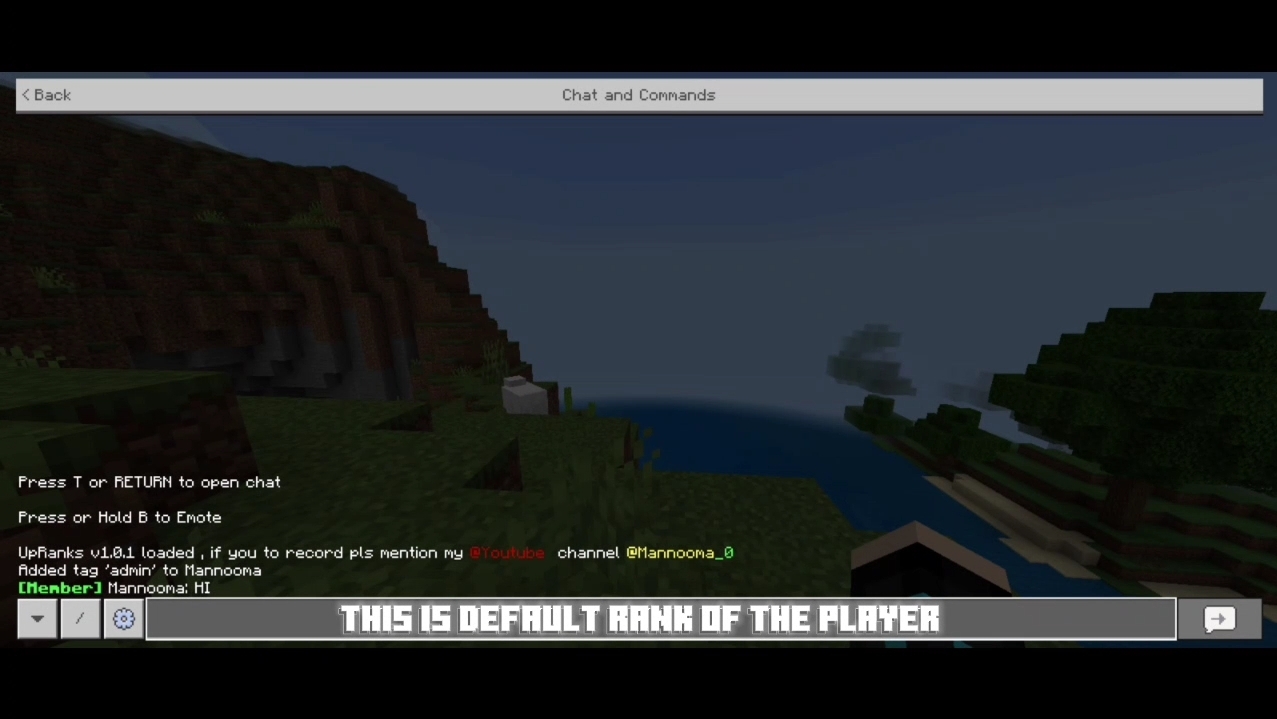
Default rank is set to be 'Member' and You can change it through Main menu
Open UpRanks Menu
After that you will have to type the command ?rank in the chat and exit countdown from 3 sec starts then this form will pop out.
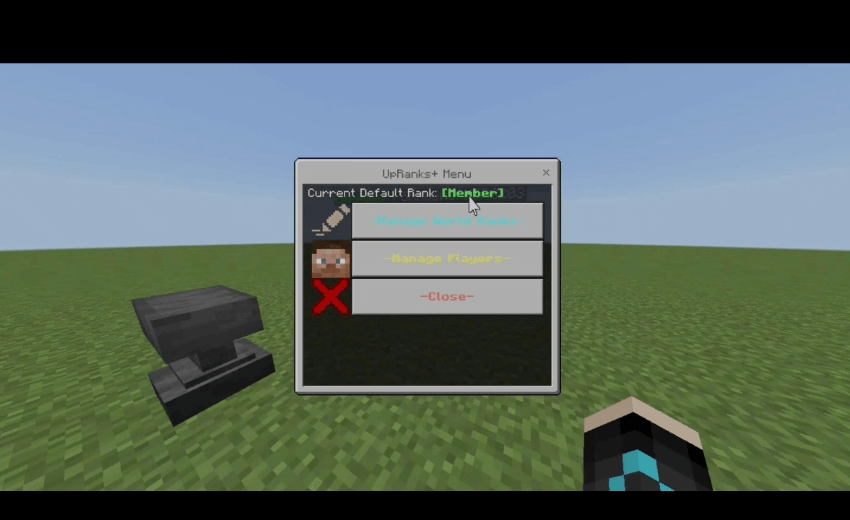
Create Rank
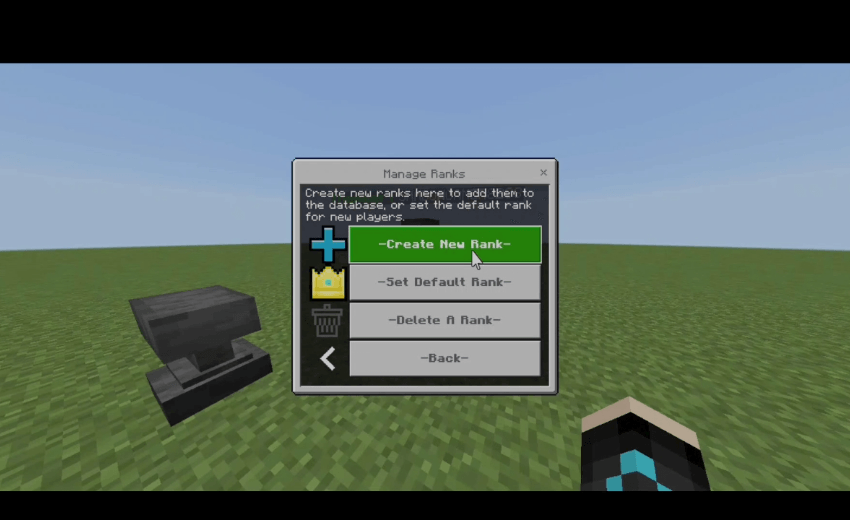
This form will appear you have (create rank, change defualt rank, delete ranks)
To create a Rank press on the first button
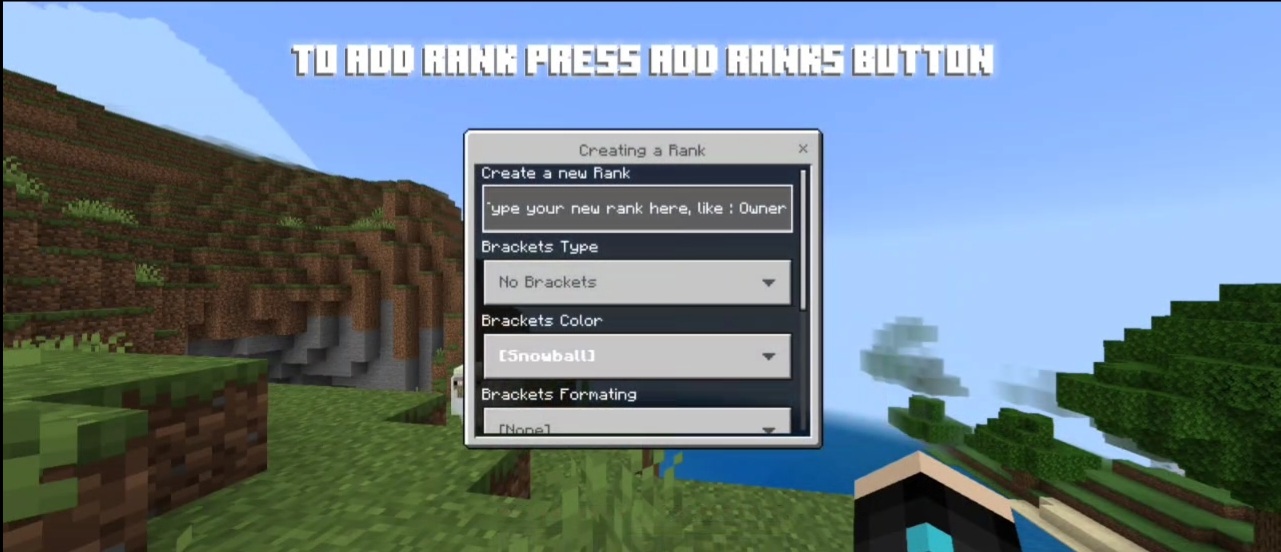
To create the rank you will have to type the rank name and Select the type of bracket OR if you don't want leave it then select color, format of the Brackets and choose color and formatting of the rank and press submit and it should look like that
Edit Defualt Rank
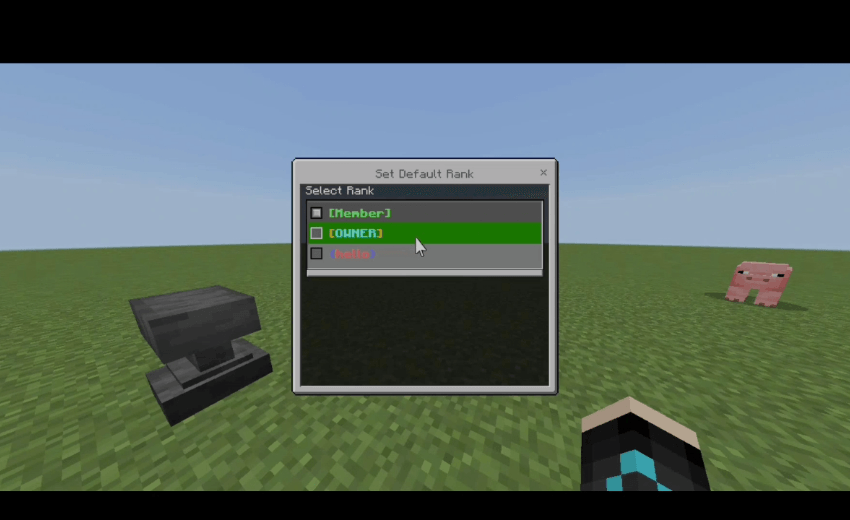
Choose from the dropdown the rank you want it to be the defualt
(it means if any player joins without a rank defualt you choose will be with him)
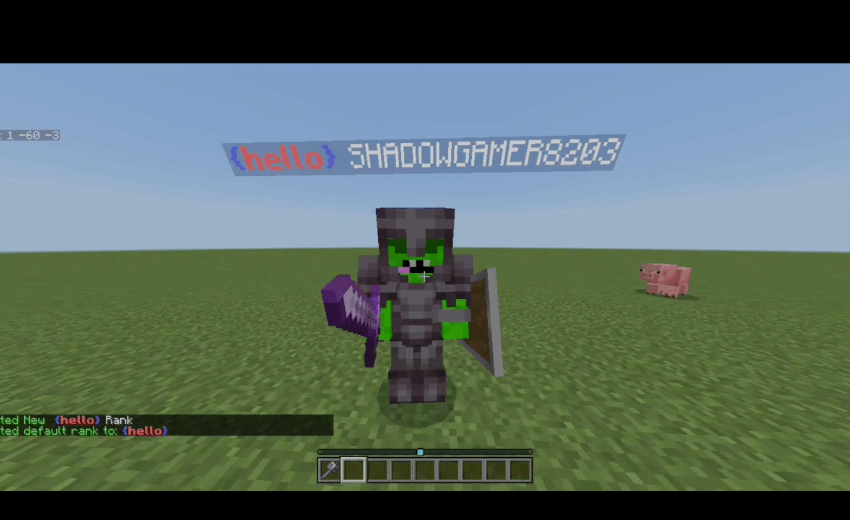
As you can see it's working.
Delete Ranks
Just select rank from dropdawn you want to delete it
Manage Players
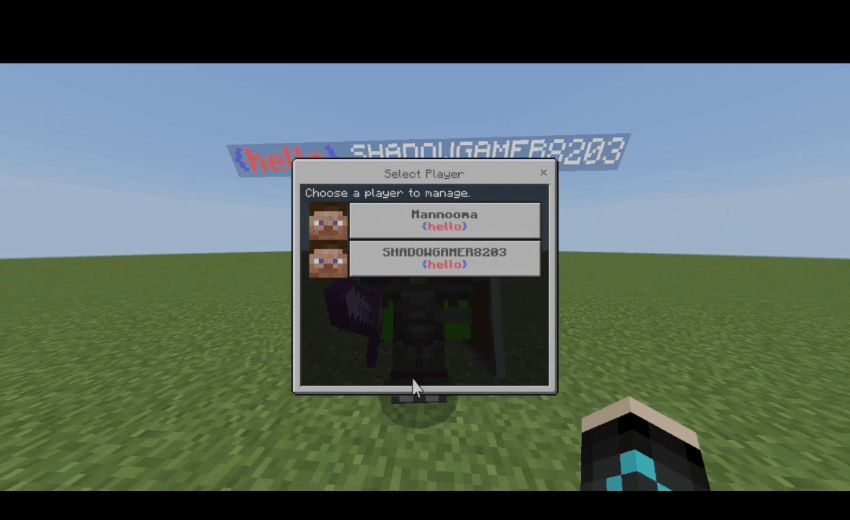
All players in the world/server will be shown with their current rank.
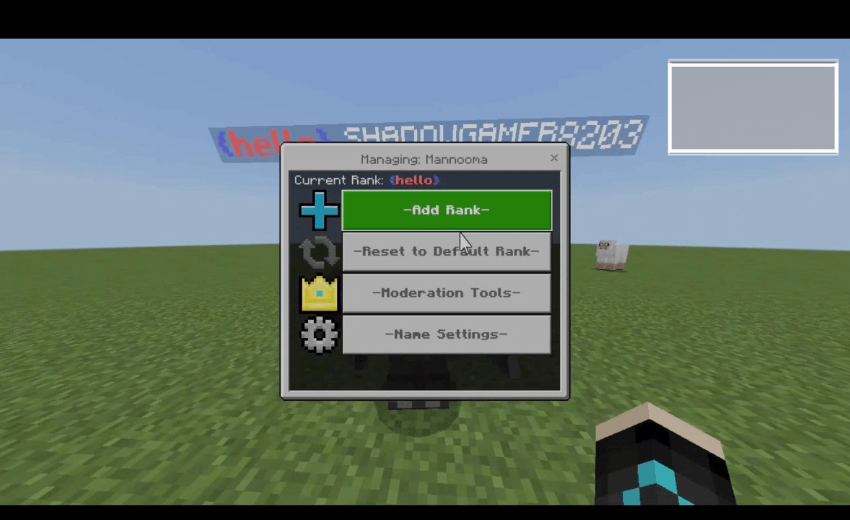
You can control the player you select through this menu.
Add Ranks
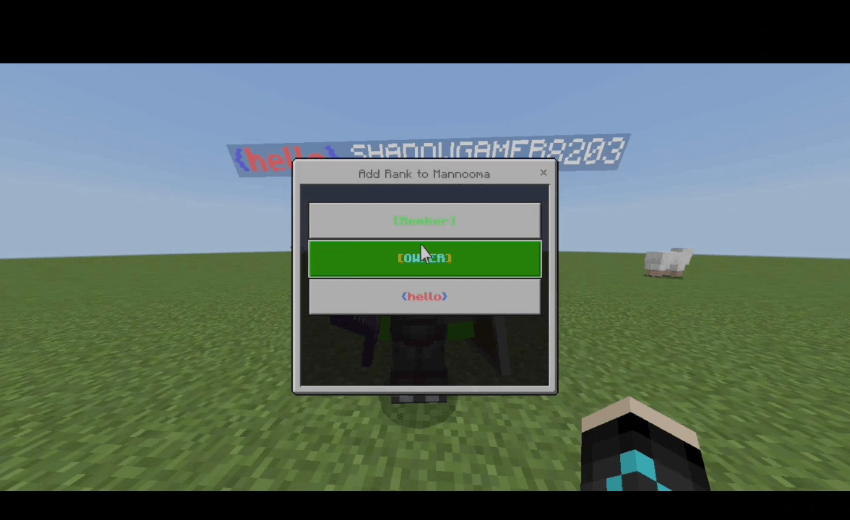
All ranks you made will be shown choose whatever you want.
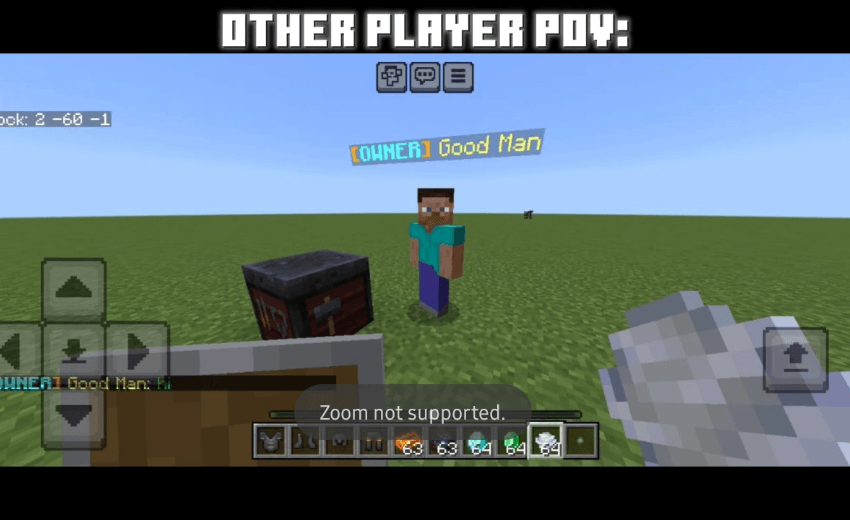
Reset To Defualt Rank
Remove all ranks from the player
Moderation
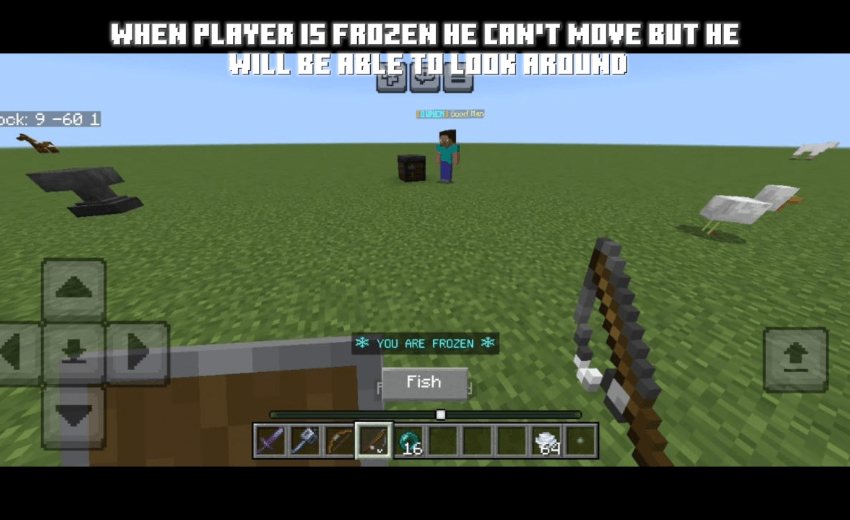
you can mute/freeze players if you want to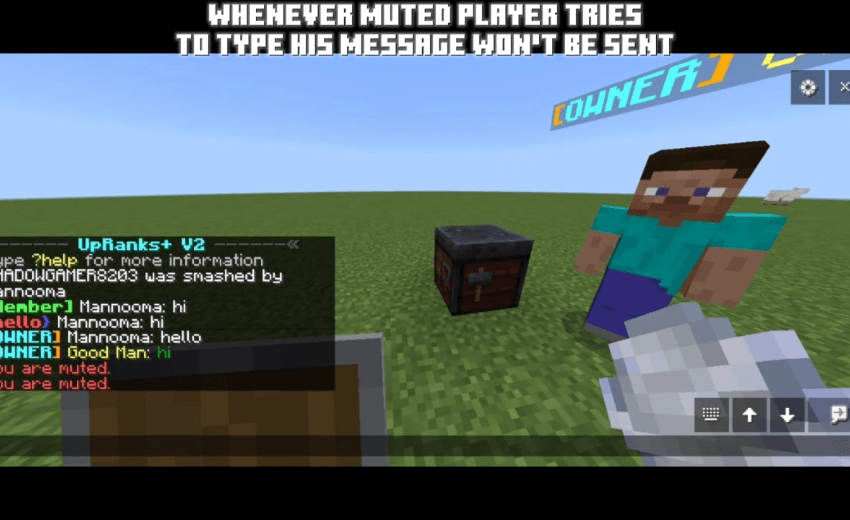
Remember you can't mute/freeze yourself and anyone has tag admin
Change Player Name & Color
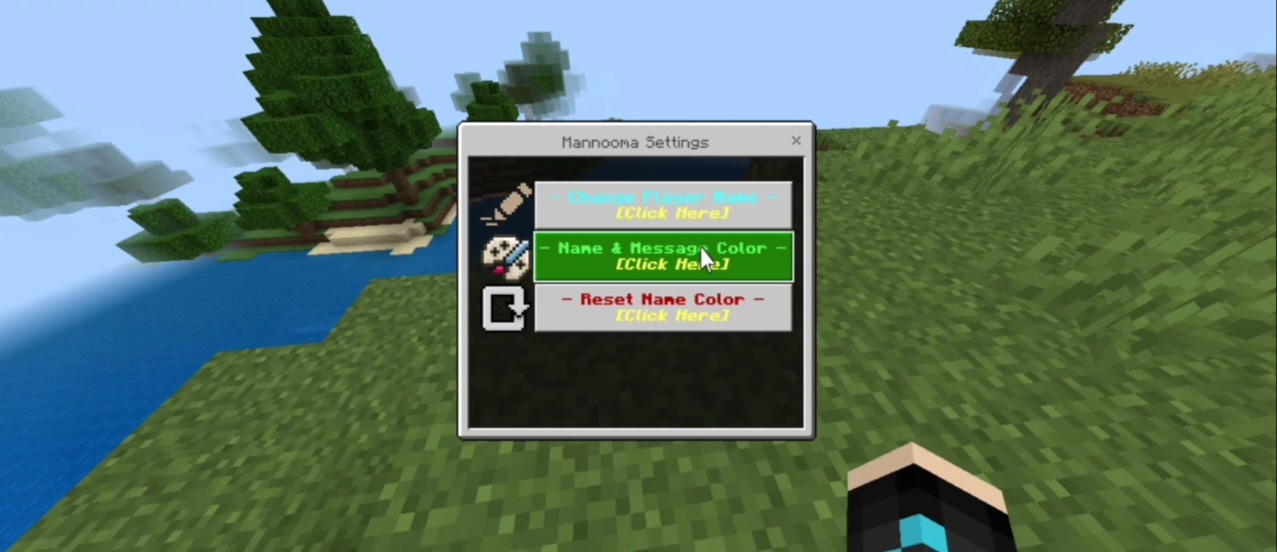
To change player (name,color) press on the player name setting button on the first menu
After that this menu will appear if you want to change the player name press on the first button
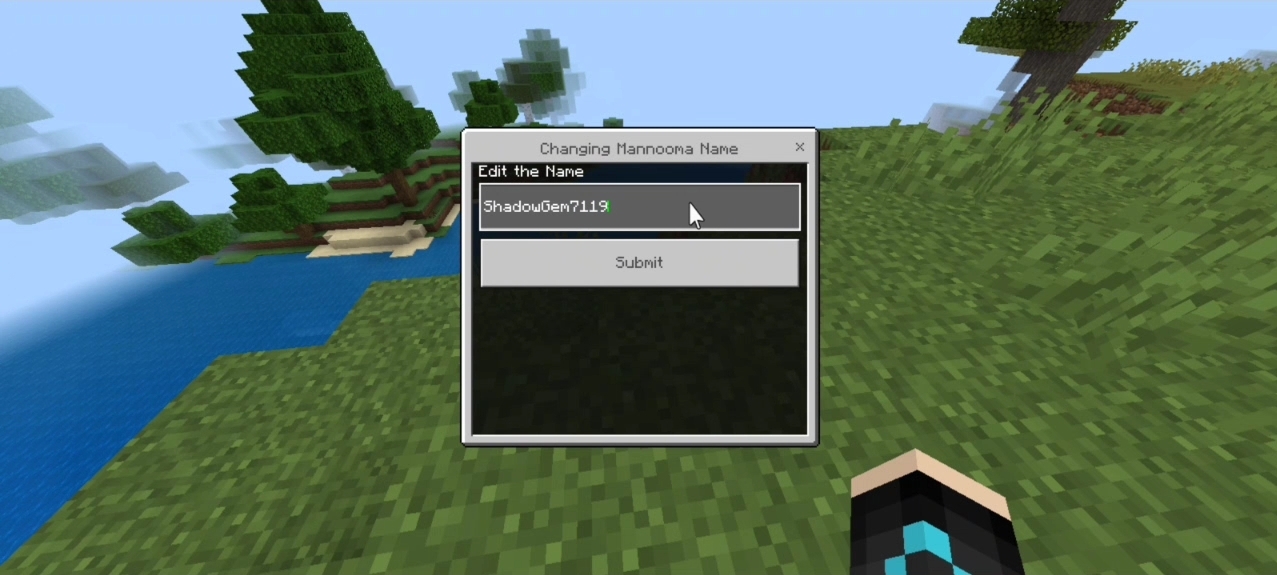
Type the new name you want and it will change it successfully
Change Name Color
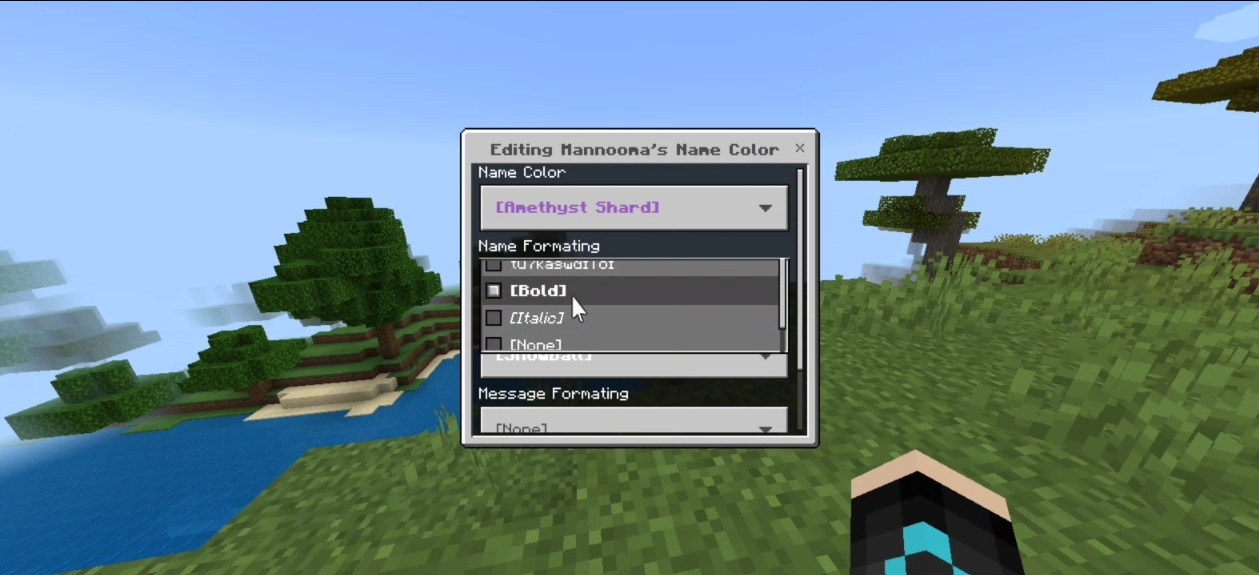
You can from here change the player name color and formatting
Testing
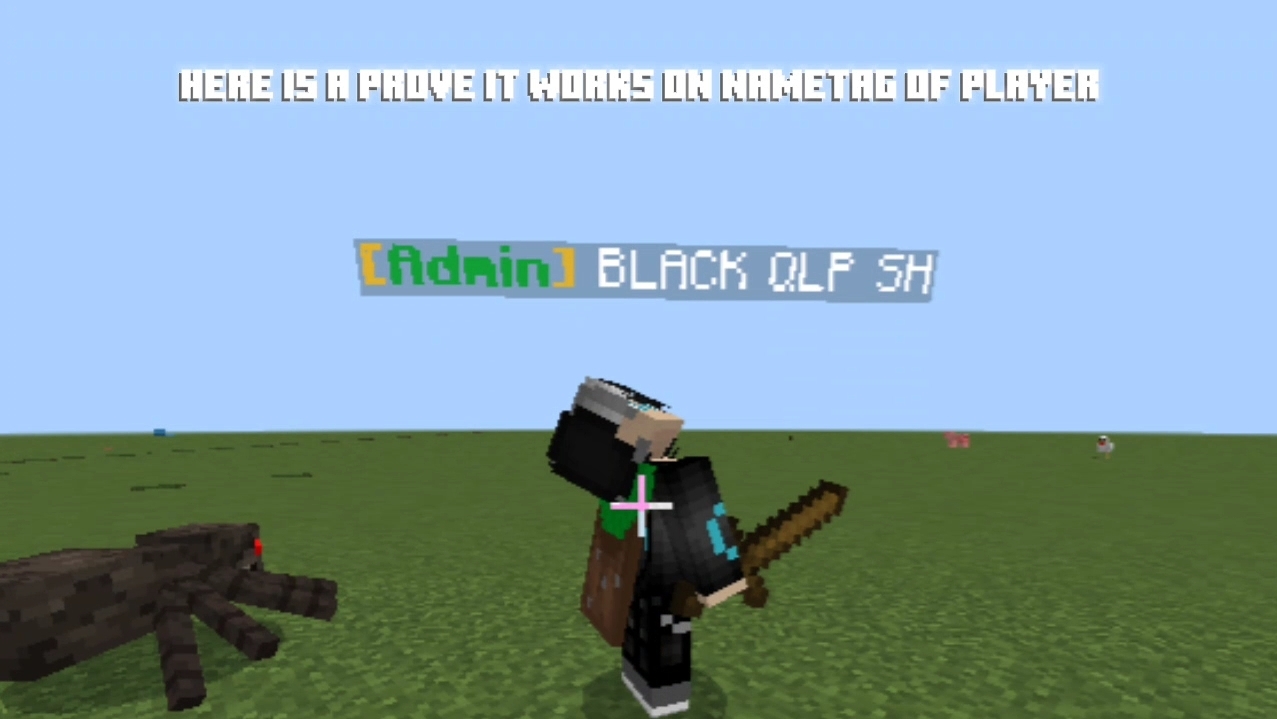
It will change in the chat too
