How To Use
Craft Massenger Item

To make the LinkUp Item 'Massenger' ,
You need 2x block of dirt and 1x stick
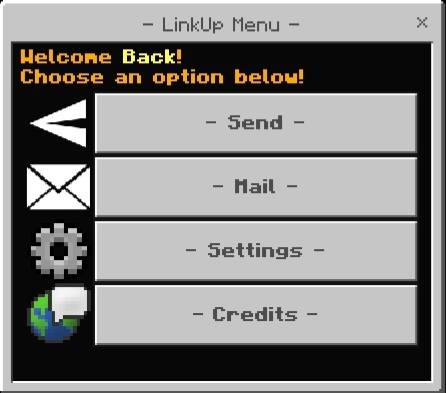
Open LinkUp Menu
After that hold the item and Right Click or use aim button in mobile, this form will pop out.
Send Menu
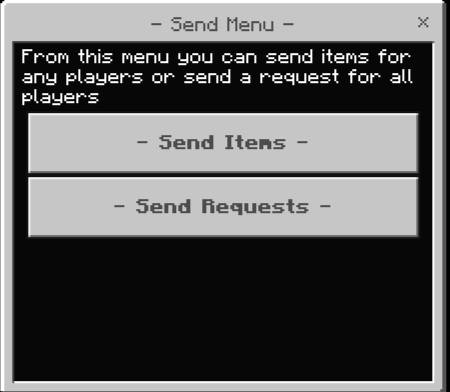
To send an item to player,
Open the Menu using Massenger item
Then press on send button and this menu will appear.
Send Items
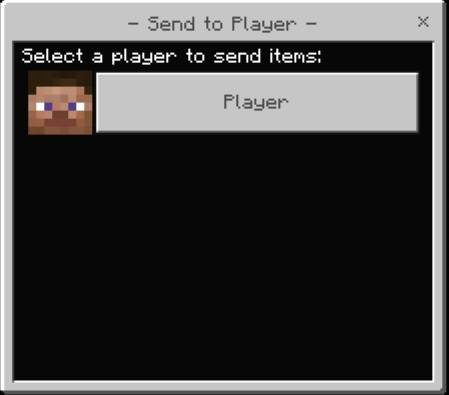
This menu shows all the players in the serve/world at the moment,
you can select the player you want then Another Menu will appear.
This form will show you,
the axact items you have in your inventory at the moment besides
theCurrent Number of the items, Select the item you want to send.
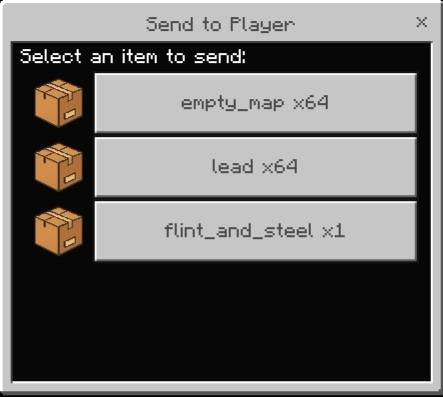
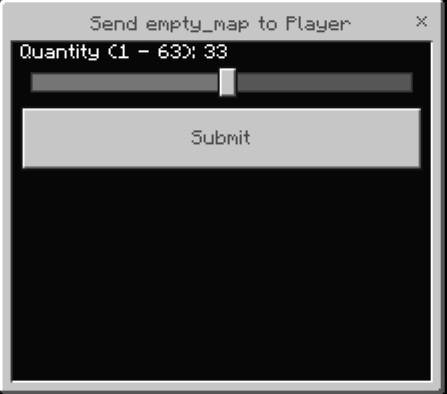
Form will show you,
A bar you can drag the button and
select the quantity you want.
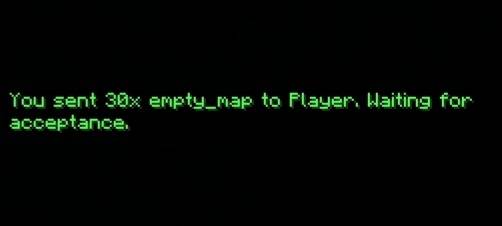
As you can see the Items has been sent successfully;
Send Requests
if you are stuck, in a
(cave,nether,end,etc,)
And need anything like
(food,items,armors,swords,etc)
Then you need to send a request to all player
Asking them the somthing you need
Just press the second button on the Send Menu,
A Menu will show a text box enter the thing you need.
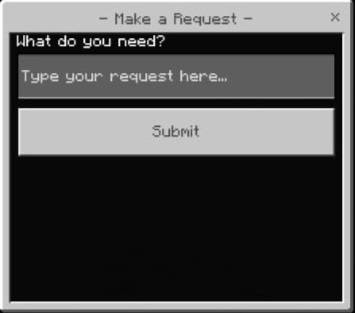
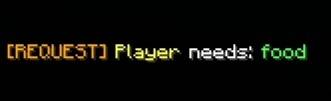
As you can see the Request has been sent successfully;
Mail Menu
To open Mail Menu
Just press on the Mail button in Main Menu.
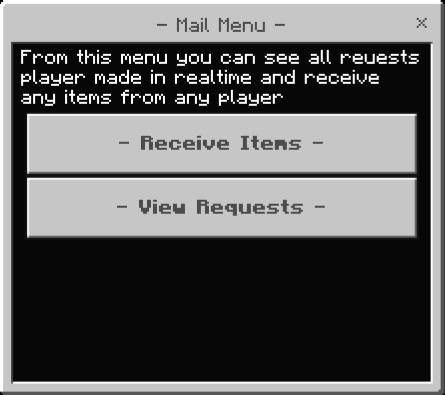
Receive Items
This form will show you all items
You have been received
press on any of them to (accept,Decline).

After you press on any item,
This item will pop-up you can decline the item player will get it back,
Or just accept it

If you accept it The item will be added to your inventory successfully
Receive Requests
From the Mail Menu,
Select the second button,
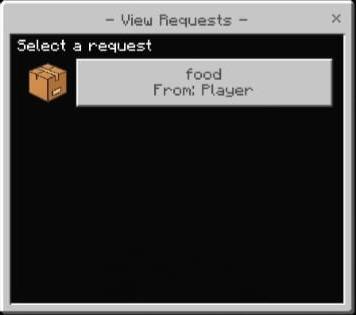
You can see all request has been made,
Select any one and give the item they need.
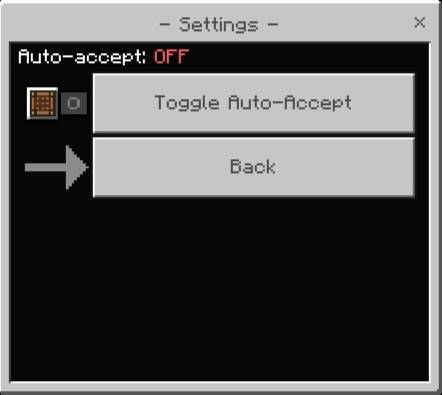
Settings
Press the settings button on the Main Menu,
You will see a button that toggle the auto-accept button that easily
auto-accept any item you receive